
Download MecaNet – typing tutor, improve typing speed, keyboard training, learn to type, personalized learning, portable app, customizable interface
Overview
MecaNet is a productivity-focused application designed to help users enhance their typing skills through structured learning and real-time performance tracking. Built for individuals seeking to improve typing speed and accuracy, the app offers a comprehensive 20-lesson course that progresses from foundational to advanced techniques. This makes it suitable for beginners just starting to learn keyboard navigation, as well as intermediate users aiming to refine their skills. The app’s primary function is to serve as a self-paced typing tutor, enabling users to build muscle memory and reduce errors through consistent practice. Its utility extends to educational environments, remote work scenarios, and personal development goals where efficient keyboard use is essential.
Target users include students, office professionals, content creators, and anyone who spends significant time typing on a computer. The app’s portability is a key differentiator—MecaNet can be run directly from a USB flash drive without installation, making it ideal for shared or restricted devices. This feature enhances accessibility in schools, libraries, or public workstations. While the developer, MecaNet, is listed as the provider, no additional background information is available. The app’s presence in the productivity category underscores its role in digital efficiency, offering a lightweight solution for keyboard mastery in an era where typing proficiency is a foundational digital skill.
Key Features & Functionality
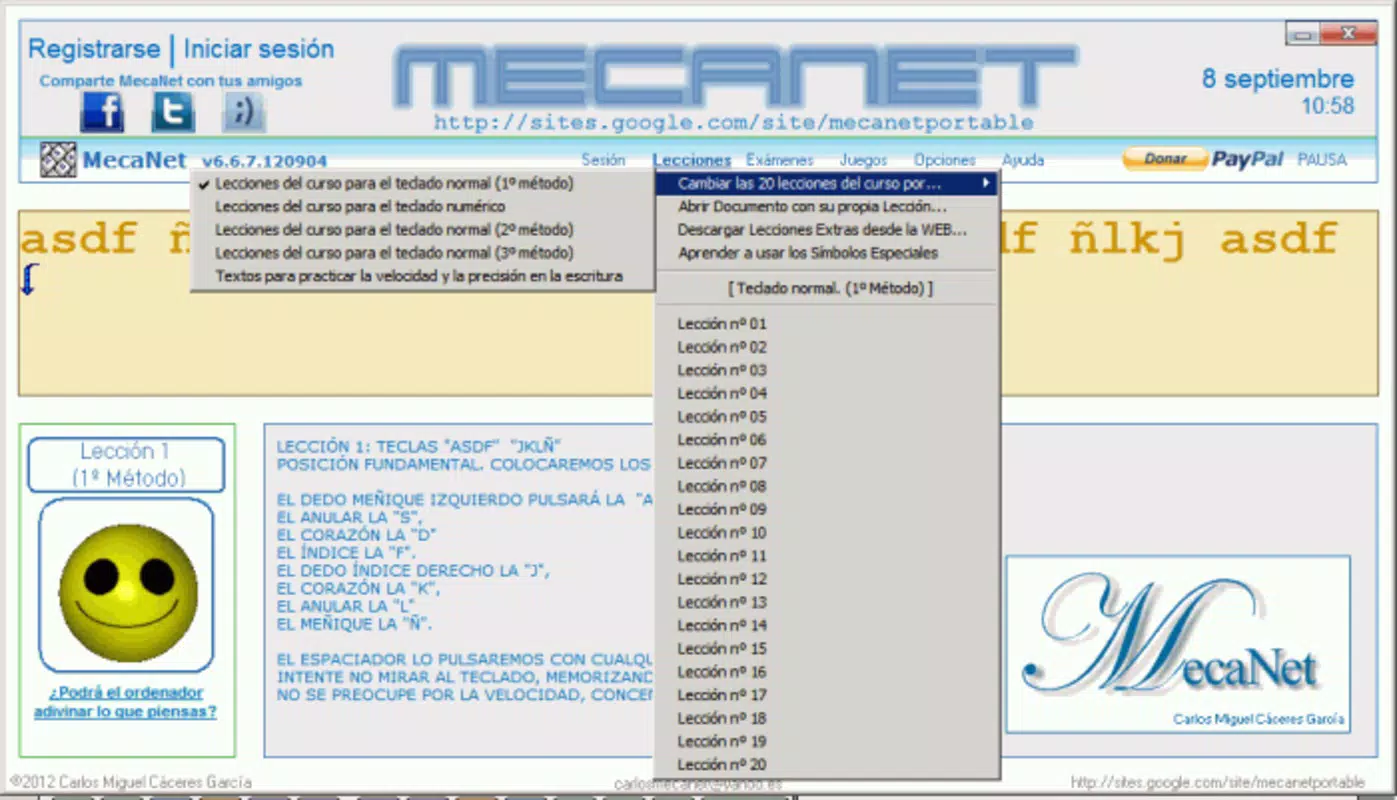
- Comprehensive Typing Course: A 20-lesson curriculum designed to guide users through progressive stages of keyboard training, starting with basic key placement and advancing to complex typing patterns. Each lesson is structured to reinforce proper finger positioning and rhythm, ensuring a solid foundation in touch typing.
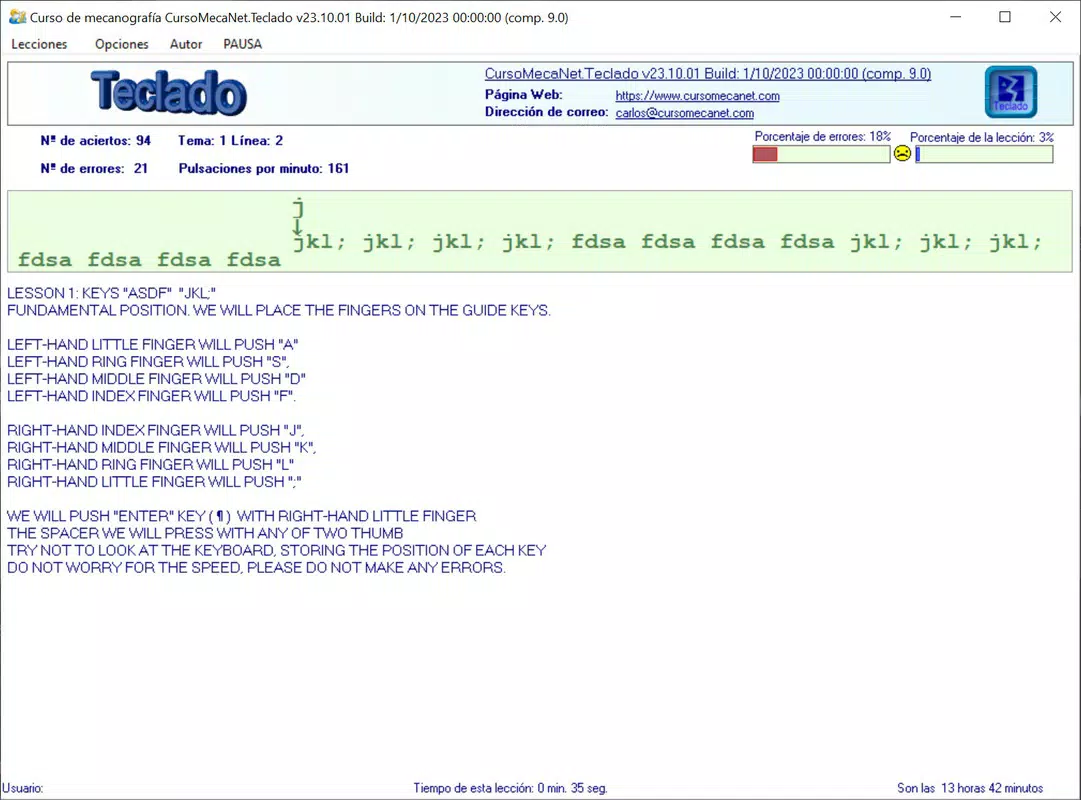
- Detailed Performance Statistics: Real-time tracking of keystrokes per minute (KPM), accuracy percentage, and error patterns. This data is presented in a visual format, helping users identify weak areas and monitor improvement over time.
- Multiple User Support: The app allows separate profiles to be saved and loaded, enabling multiple users—such as family members or classmates—to maintain individual progress without data overlap or confusion.
- Customizable Learning Experience: Users can generate custom lessons using a topic generator, selecting from a wide range of text inputs. The interface also supports customizable color themes and layout options, allowing users to tailor the visual environment to their preferences.
- Portable Operation: MecaNet can be launched directly from a USB drive or other portable storage, eliminating the need for installation on the host system. This ensures consistent access across different computers, ideal for users who work across multiple devices.
For example, a student preparing for exams could use the custom lesson feature to practice typing their lecture notes, while a remote worker might use the performance analytics to track their daily typing efficiency. The portability feature is especially beneficial in shared computing environments where installing software is restricted.
Interface, UX & Performance
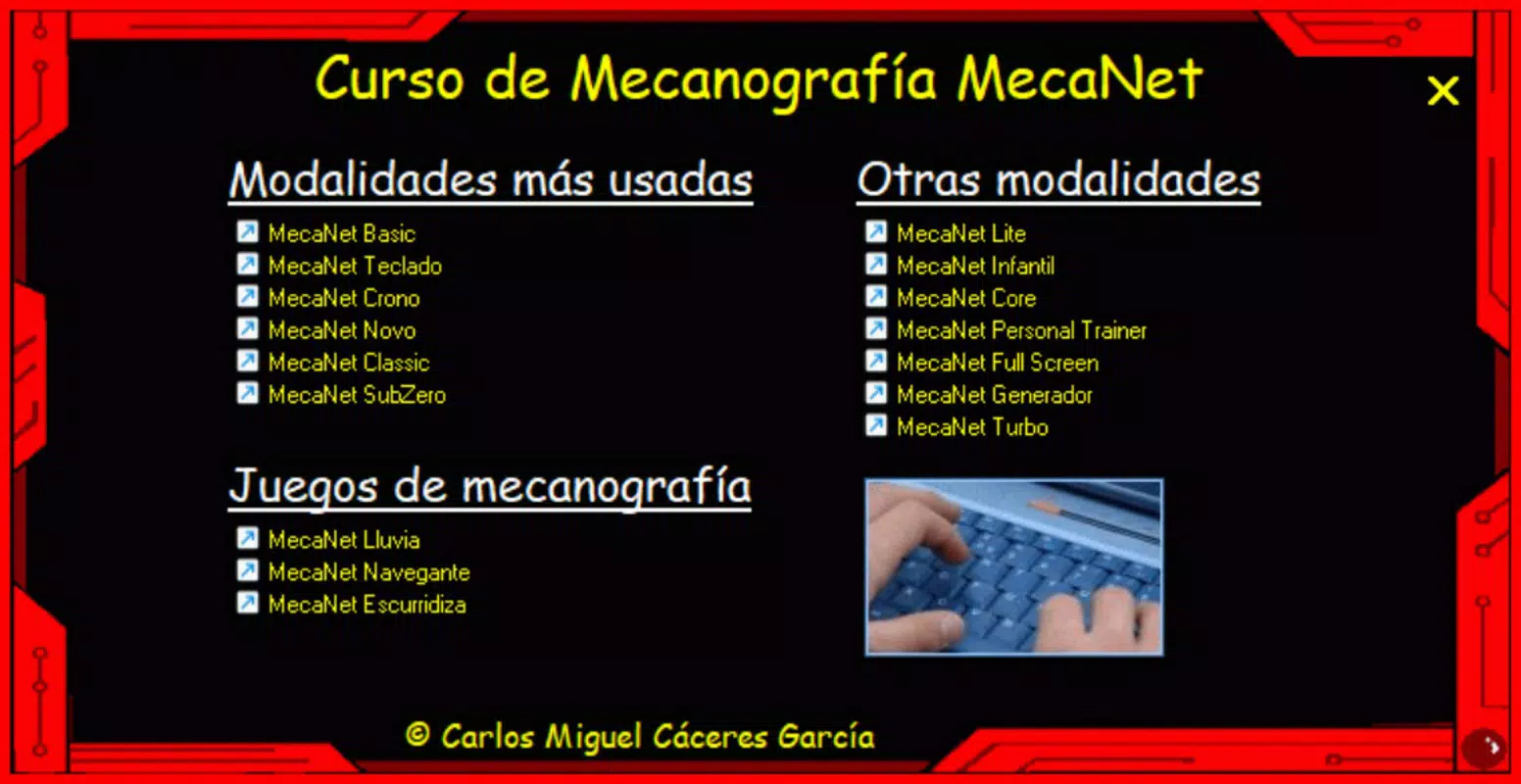
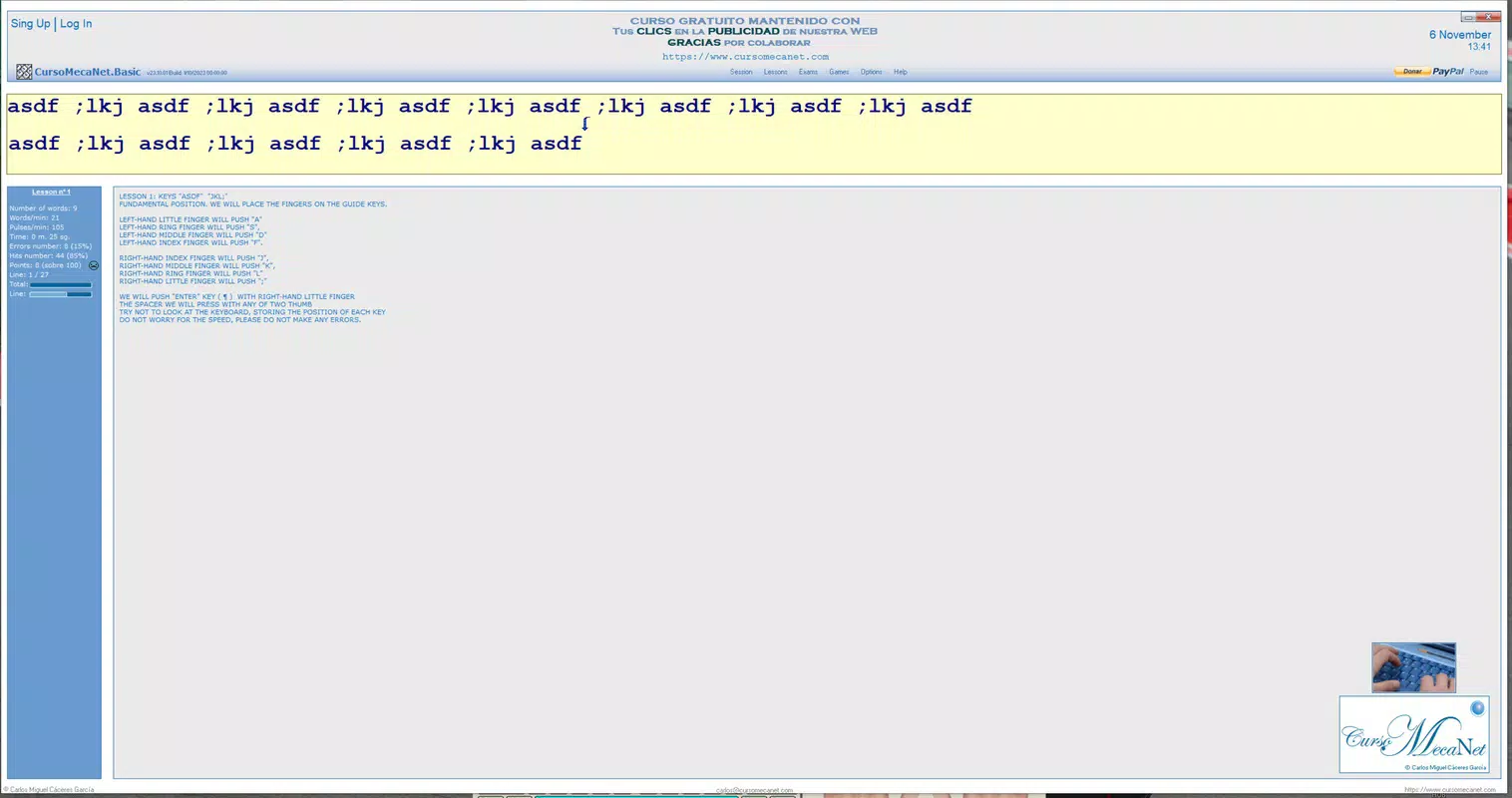
MecaNet features a clean, user-friendly interface designed to minimize distractions and maximize focus during typing practice. The layout is intuitive, with clearly labeled sections for lessons, statistics, and settings. Navigation is straightforward, allowing users to move between modules with minimal effort. The visual design emphasizes readability, with well-spaced text and responsive feedback during typing exercises.
Although the developer did not list formal performance metrics, the app’s lightweight size of 15.6 MB suggests optimized resource usage. It is expected to run smoothly on standard Windows systems, including older or low-spec machines. The application responds quickly to user input, with minimal lag during typing sessions. Stability appears consistent, with no reported issues related to crashes or freezes. The app maintains a steady performance across different screen resolutions and input methods, ensuring a reliable experience regardless of device configuration.
Platform Compatibility & Technical Requirements
MecaNet is designed for the Windows platform and is compatible with the latest versions of the operating system. The app requires no installation, as it can be executed directly from a portable storage device such as a USB flash drive. The file size is 15.6 MB, making it a compact and efficient tool that does not consume significant disk space.
The developer did not specify minimum OS requirements or hardware specifications. Compatibility with older Windows versions was not disclosed. Users should ensure their system supports running portable applications and has sufficient access to external storage. No additional software dependencies were mentioned.
Pros and Cons
Pros
- Comprehensive 20-lesson typing curriculum for progressive skill development
- Real-time performance analytics with visual progress tracking
- Support for multiple user profiles and individual progress saving
- Highly portable—runs from USB without installation
- Customizable interface and lesson generation for personalized learning
Cons
- Platform limited to Windows; no information on availability for other systems
- Developer did not provide details on minimum OS or hardware requirements
- App size and functionality may be limited compared to full-featured typing platforms
- No integration with cloud sync or cross-device data sharing
- Information about update frequency and future development was not disclosed
FAQ
Is MecaNet safe to download and use?
Yes, MecaNet is a free application with no known security risks. As a portable app, it does not install system files or modify the registry, reducing potential security concerns.
Can I use MecaNet on multiple computers?
Yes, since the app runs directly from a USB drive, you can use it on any Windows computer without installation, making it ideal for shared or public devices.
Does MecaNet require an internet connection?
No, MecaNet operates offline. All lessons, statistics, and features are available without an internet connection.
How often is MecaNet updated?
The developer did not provide information on update frequency. The current version is 1.0.1, released on May 20, 2025.
Is MecaNet suitable for children?
Yes, the app is designed for users of all skill levels, including beginners and younger learners. Its structured lessons and simple interface make it accessible for children learning to type.
Final Thoughts
MecaNet stands out as a practical, lightweight tool for anyone aiming to improve their typing proficiency. Its structured course, real-time analytics, and multiple user support make it a strong choice for students, professionals, and educators. The portability feature adds significant value, especially in environments where software installation is restricted.
While the app is limited to Windows and lacks cloud integration, its core functionality is well-executed and focused on delivering tangible results. For users seeking a no-frills, effective typing tutor that works anywhere, MecaNet offers excellent value. With a free price point and a clean design, it’s a reliable companion for digital literacy development.
Download MecaNet now


